
A calculator that keeps its work.
rent
what I could save
left over each month
This is the real parser. Edit any field — the rest recompute live.
This is the real parser. Edit any field — the rest recompute live.
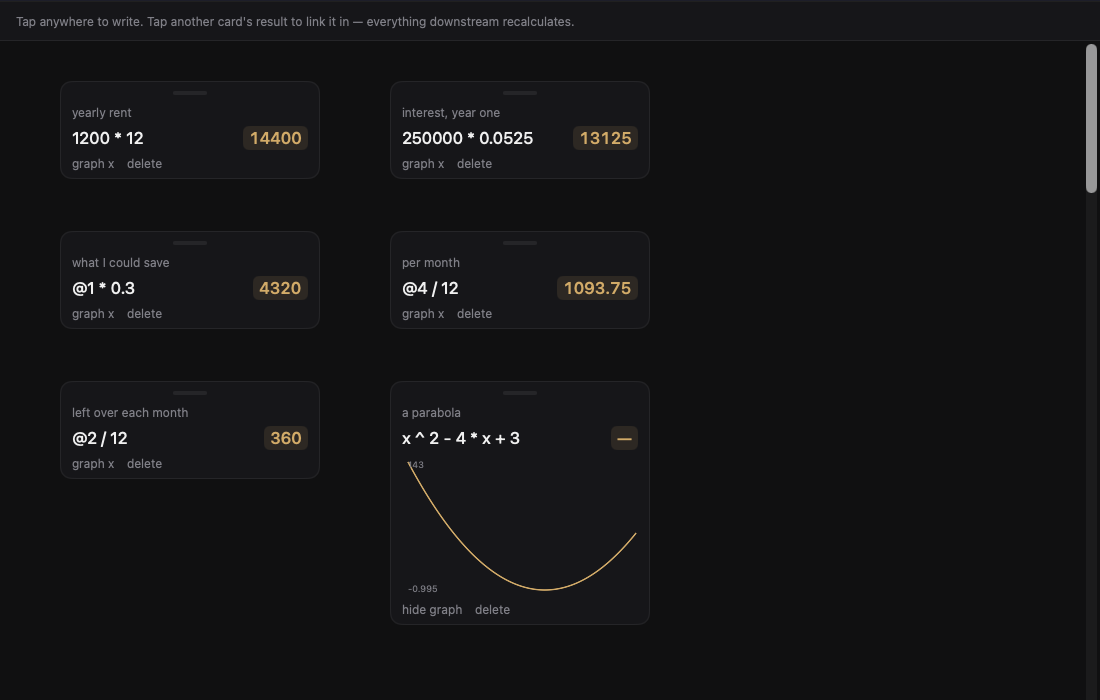
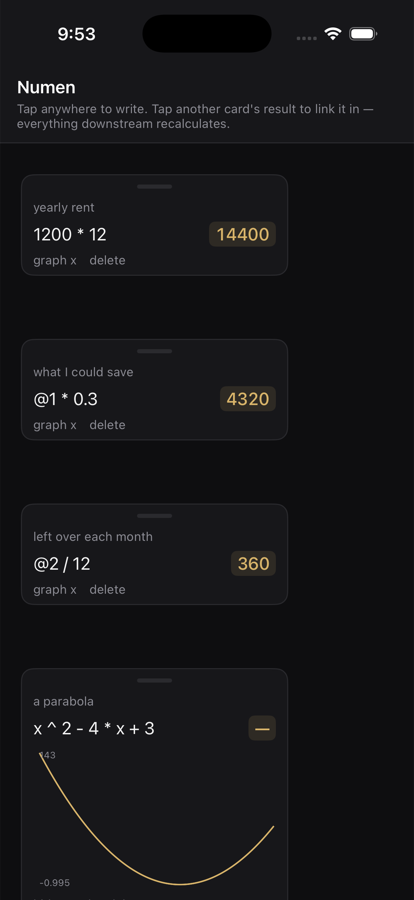
Native on Mac and iPhone too — the same canvas, same linked numbers, nothing in a browser.
Click any result to drop a live reference into whatever you are typing. Edit the source and the whole chain recomputes.
Click empty space to start a new calculation, then drag it wherever it belongs. Nothing scrolls off into history.
Give each number a name so the page still makes sense next week. It reads like a spreadsheet without the grid.
Put an x in an expression and plot it. The curve redraws as its inputs change.
Everything runs in the browser and saves on your device. No account, no network, no data leaving the page.
No ads, no purchases. Around 400 lines, its own parser, and the source is on GitHub.
It opens straight in the browser with an example on the canvas. Nothing to download.
Numen runs on every platform. On Windows, Linux and Android it installs straight from the browser — no store, no download, no runtime. It gets a real window, its own icon, and keeps working offline.
Open the web app in Edge or Chrome, then Install Numen from the address bar. It lands in the Start Menu like any other app.
Open & install →Open the web app in Chrome, then Add to Home screen. Full screen, no browser chrome, works offline.
Open & install →Same as Windows — install the web app from Chrome or Chromium and it runs in its own window.
Open & install →